UX Insider: Product Hunt Roundup - E. 07
UX Insider: Product Hunt Roundup - E. 07
UX Insider: Product Hunt Roundup - E. 07
Founders have high hopes from a Product Hunt launch – the hype and influx of new users are real. But if the UX doesn’t guide them, they’ll quickly lose interest.
Founders have high hopes from a Product Hunt launch – the hype and influx of new users are real. But if the UX doesn’t guide them, they’ll quickly lose interest.
Founders have high hopes from a Product Hunt launch – the hype and influx of new users are real. But if the UX doesn’t guide them, they’ll quickly lose interest.

Daniel Andor
Daniel Andor
Daniel Andor
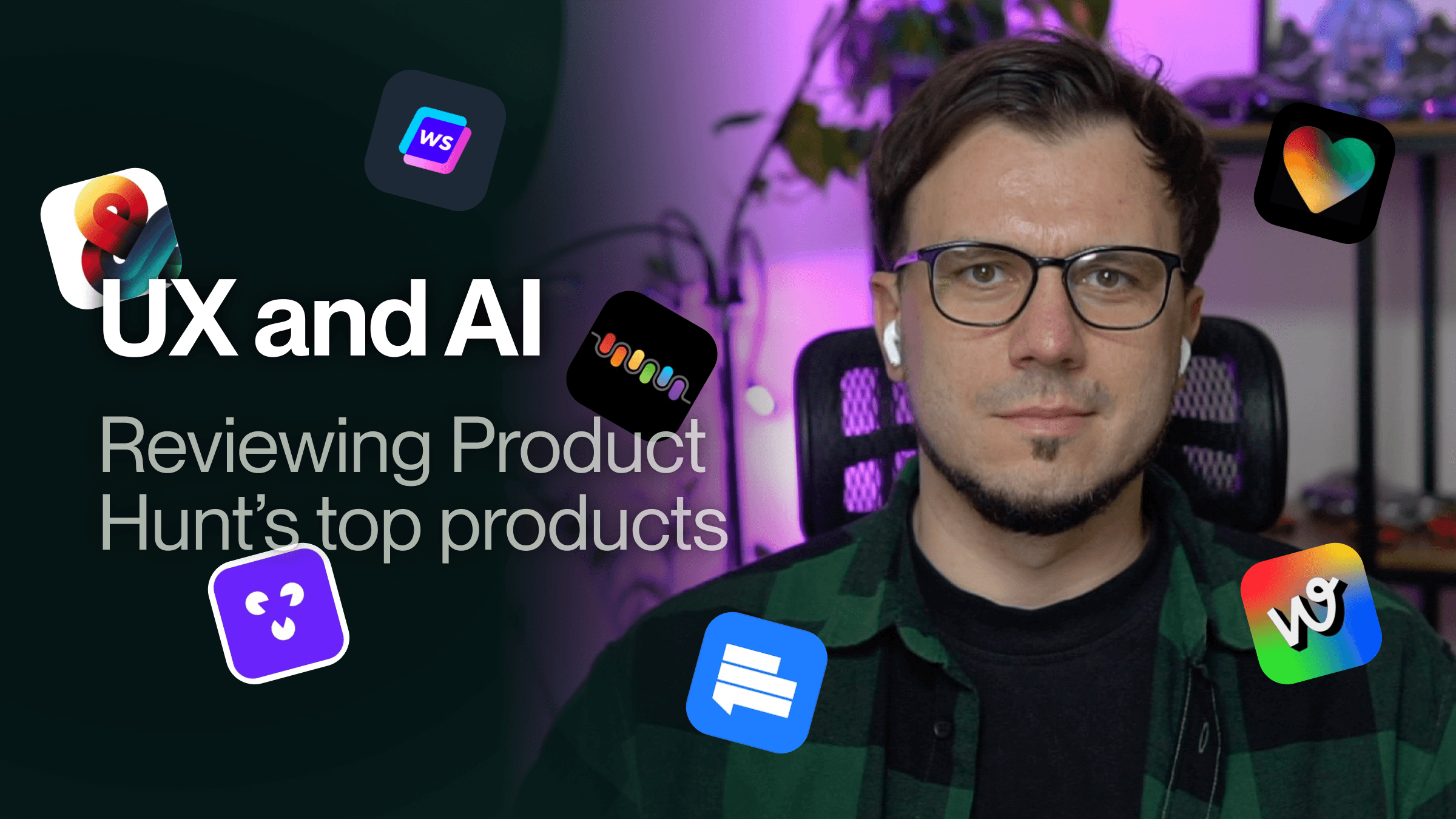
Here’s a quick dive into a few tools and how small tweaks could drive better engagement.
Lovable
Users are dropped straight into the product with no onboarding.
The layout feels unusual—Projects & Templates are placed at the bottom instead of a sidebar.
Some labels can be confusing; for example, “Latest” refers to items generated by all users, not your most recent projects.
💡 UX Tip: Add a proper onboarding flow to help new users understand the product’s value from the start.
Beatoven.ai
No onboarding means users are left to discover the product on their own.
The layout is a bit crowded.
It’s sometimes hard to tell what’s a link versus simple text.
💡 UX Tip: Guide new customers to create their first track and refine the overall layout and design for clarity.
Tanka | Your Chief Memory Officer
The video carousels on the website aren’t working properly.
There’s no guidance for new users, making it hard to know the next steps.
The layout feels unpolished, with some buttons labeled and others not.
Some actions occur in one section while their outcomes appear in another (e.g., Memos).
Multiple settings sections and confusing navigation add to the overwhelm.
💡 UX Tip: Map out the user flows and create a structured onboarding sequence to set users up for success.
Webdraw Beta
No onboarding for new users.
The key feature, Remix, doesn’t work reliably or gets stuck.
Absence of loading screens leaves users unsure if something is happening behind the scenes.
With many options and no clear next steps, the product feels overwhelming.
💡 UX Tip: Educate new users on the product’s capabilities and streamline the main user flows.
Andsend
The setup process is lengthy with no option to skip, and users only see a demo message once loaded—delaying the “aha!” moment.
Starting immediately with chatbot messages can be distracting.
The concept of a “playbook” isn’t clearly explained.
💡 UX Tip: Streamline the time to value by loading a few demo conversations (or a summary of recent interactions) and guide users on how to set up a playbook.
I also took a look at SEO AI Agent from Writesonic and Toolfinder.
Key takeaways:
An effective onboarding, clear layouts, and consistent labels can significantly enhance the user experience and drive higher activation and retention.
Here’s a quick dive into a few tools and how small tweaks could drive better engagement.
Lovable
Users are dropped straight into the product with no onboarding.
The layout feels unusual—Projects & Templates are placed at the bottom instead of a sidebar.
Some labels can be confusing; for example, “Latest” refers to items generated by all users, not your most recent projects.
💡 UX Tip: Add a proper onboarding flow to help new users understand the product’s value from the start.
Beatoven.ai
No onboarding means users are left to discover the product on their own.
The layout is a bit crowded.
It’s sometimes hard to tell what’s a link versus simple text.
💡 UX Tip: Guide new customers to create their first track and refine the overall layout and design for clarity.
Tanka | Your Chief Memory Officer
The video carousels on the website aren’t working properly.
There’s no guidance for new users, making it hard to know the next steps.
The layout feels unpolished, with some buttons labeled and others not.
Some actions occur in one section while their outcomes appear in another (e.g., Memos).
Multiple settings sections and confusing navigation add to the overwhelm.
💡 UX Tip: Map out the user flows and create a structured onboarding sequence to set users up for success.
Webdraw Beta
No onboarding for new users.
The key feature, Remix, doesn’t work reliably or gets stuck.
Absence of loading screens leaves users unsure if something is happening behind the scenes.
With many options and no clear next steps, the product feels overwhelming.
💡 UX Tip: Educate new users on the product’s capabilities and streamline the main user flows.
Andsend
The setup process is lengthy with no option to skip, and users only see a demo message once loaded—delaying the “aha!” moment.
Starting immediately with chatbot messages can be distracting.
The concept of a “playbook” isn’t clearly explained.
💡 UX Tip: Streamline the time to value by loading a few demo conversations (or a summary of recent interactions) and guide users on how to set up a playbook.
I also took a look at SEO AI Agent from Writesonic and Toolfinder.
Key takeaways:
An effective onboarding, clear layouts, and consistent labels can significantly enhance the user experience and drive higher activation and retention.
Design Process
Product Strategy
Startup
subscribe to our newsletter
subscribe to our newsletter
Get the latest articles straight in your inbox
Get the latest articles straight in your inbox
Practical product and UX insights to help SaaS teams ship with confidence before users get confused or features go unused.
Practical product and UX insights to help SaaS teams ship with confidence before users get confused or features go unused.
Product Design Studio
for growth-stage SaaS teams
© Durran 2026
Product Design Studio
for growth-stage SaaS teams
© Durran 2026
Product Design Studio
for growth-stage SaaS teams
© Durran 2026
Product Design Studio
for growth-stage SaaS teams
© Durran 2026